


Golf App Development: Must-Have API Integrations
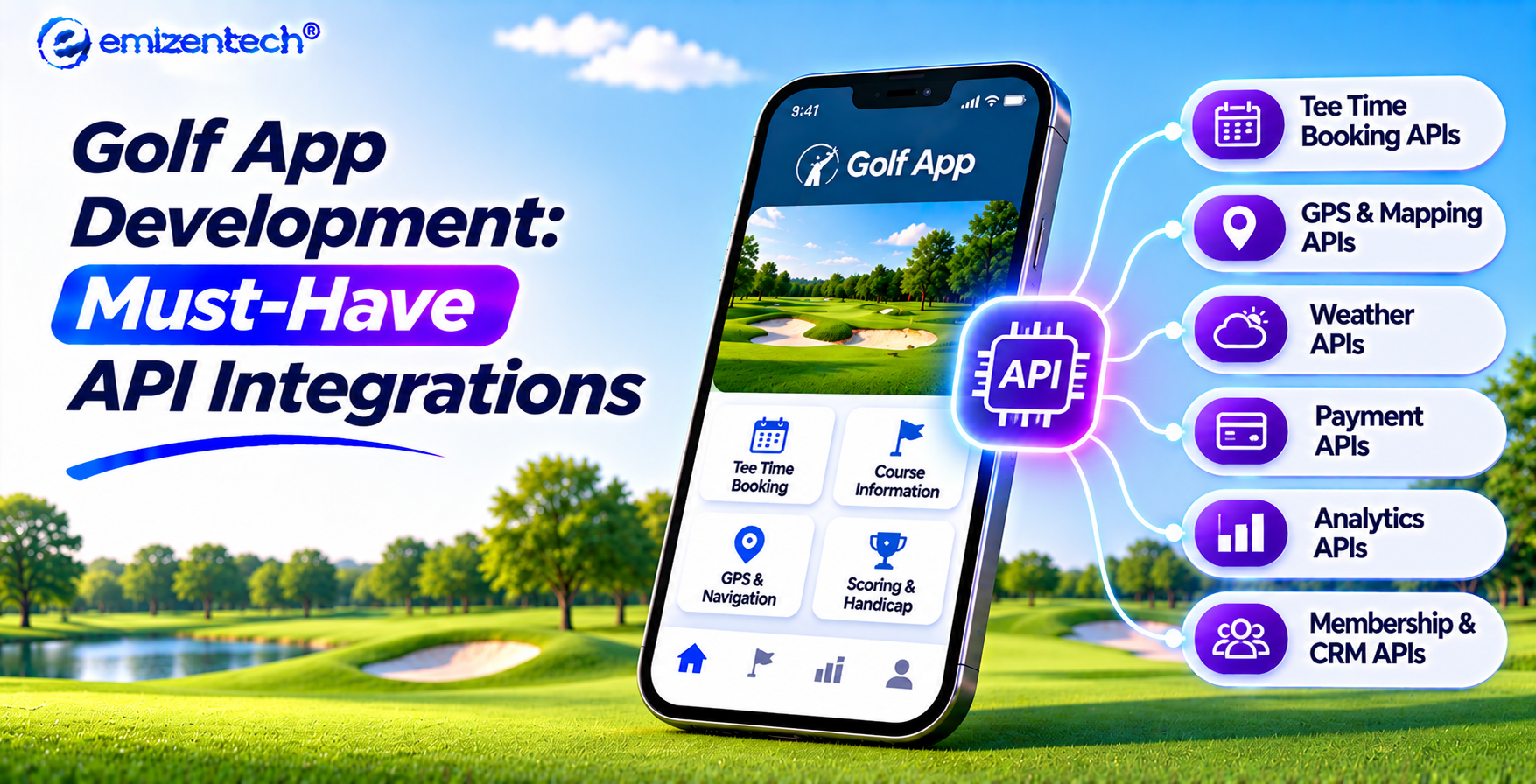
Golfers now expect more than a scorecard from their phones. They want accurate course maps, a weather check before the first tee, quick tee-time payments, and scores that update as they play. Application programming interfaces, or APIs, supply these features without building each one from scratch. This guide covers the integrations worth adding first, how to pick them, and the problems to plan for.
Why API Integration Matters in a Golf App
A golf app is only as useful as the data behind it. Course layouts, wind readings, and payment confirmations all come from outside systems, so reliable connections matter more than flashy screens. Teams that invest in golf app development services set up these connections early, which cuts rework later. Ready-made APIs also shorten the build, since maps, payments, and messaging already exist and only need to be wired in. The same approach works across booking, GPS, scoring, and membership apps, each with its own mix of integrations.
Must-Have API Integrations for a Golf App
Five integrations cover most of what players and clubs expect. Each one solves a specific problem on the course or at the booking desk, and together they make the app feel complete.
Maps and GPS
Map and GPS APIs show hole layouts, distances to the green, and a player's live position. Google Maps or Mapbox draw the map, while course data providers add hazards and pins.
Weather
Weather APIs bring wind speed, rain, and temperature into the app. Players can check conditions before leaving home, and clubs can send alerts when storms or heat delay tee times.
Payments
Payment APIs let golfers pay for tee times, memberships, and gear without leaving the app. Choose providers that handle card data securely, so the app stays simpler to protect and maintain.
Scoring and Stats
Scoring APIs and services store each round, calculate handicaps, and update leaderboards live. Players can compare results with friends, and clubs can run events without paper cards or manual tallying.
Notifications and Messaging
Messaging APIs send booking confirmations, event reminders, and weather warnings by push, SMS, or email. Timely messages reduce no-shows and keep members informed without staff spending time on phone calls.
How to Choose the Right APIs
Not every API fits every project, and a poor pick is costly to replace after launch. Review these points before development starts so the app stays stable as it grows.
-
Data accuracy and coverage: Confirm the provider covers the courses your players use, and test distances and hole layouts on site before committing.
-
Pricing and usage limits: Some APIs charge per request. Estimate monthly calls from expected users so costs do not jump after launch.
-
Reliability and uptime: Check published uptime and status history, since a map or payment outage on a busy Saturday hurts trust.
-
Documentation and support: Clear docs shorten integration time. REST and GraphQL are both common, so confirm the format fits your backend.
-
Security and compliance: Pick payment partners that keep card data off your servers, and review how each provider stores location data.
-
Start small: Launch with booking, maps, and payments, then add weather, coaching, or social features later.
Common Integration Challenges and How to Solve Them
Even good APIs create friction on a real course, where signal is weak and players are in a hurry. Knowing the usual problems helps you plan fixes before users notice.
-
Weak GPS or mobile signal: Cache course maps and scorecards on the device, then sync scores once the connection returns.
-
API downtime or slow responses: Add fallbacks, timeouts, and caching so one failing service does not freeze the whole app.
-
Data mismatch between services: Standardize course IDs, player records, and time zones in the backend so booking, scoring, and payments agree.
-
Battery drain: Constant GPS use empties phones quickly. Limit update frequency and let players pause tracking between shots.
Conclusion
Maps, weather, payments, scoring, and messaging give a golf app the features players actually use. Pick providers carefully, plan for weak signals and outages, and launch with the core integrations first. EmizenTech helps teams plan, build, and test these connections across iOS and Android, so the app is ready for the course.
FAQs
1. Which APIs does a golf app need?
Most apps need maps and GPS, payments, scoring, and messaging. Weather and social media APIs add value, depending on the app's focus.
2. How much does golf app API integration cost?
Cost depends on the number of integrations, usage volume, and platforms. Some APIs are free at low volume while others charge per request, so a scoped estimate is the only reliable answer.
3. Can a golf app work offline on the course?
Partly. Course maps and scorecards can be stored on the phone, and scores sync later when signal returns. Live weather and payments still need a connection.
4. How long does API integration take?
Simple connections such as maps or messaging are usually quick, while payments and scoring need more testing. A full project can run from a few weeks to several months, depending on scope.
5. Are payment APIs safe for tee-time bookings?
Yes, when you use established providers that handle card data on their side. Add secure authentication, encrypted connections, and regular testing to protect players.

 English
 Arabic
 French
 Portuguese
 Deutsch
 Turkish
 Dutch
 Italiano
 Russian
 Romaian
 Portuguese (Brazil)
 Greek